Support
We're here to help.
Oosby is designed to make life simpler, not to make you hunt for help. If you ever get stuck, or something doesn't feel right, we'll get you sorted quickly.
This page covers Oosby on iOS, Android and the web app. We aim to reply to emails within one working day.
Get in touch
The best way to reach us is by email:
We aim to reply within one working day.
Please include as much detail as you can (for example: which "thing" you were adding, or what you saw on screen). It helps us help you faster.
Starting your journey with Oosby
Sign up with one click
Use Apple, Google, or passkeys. No passwords to remember.
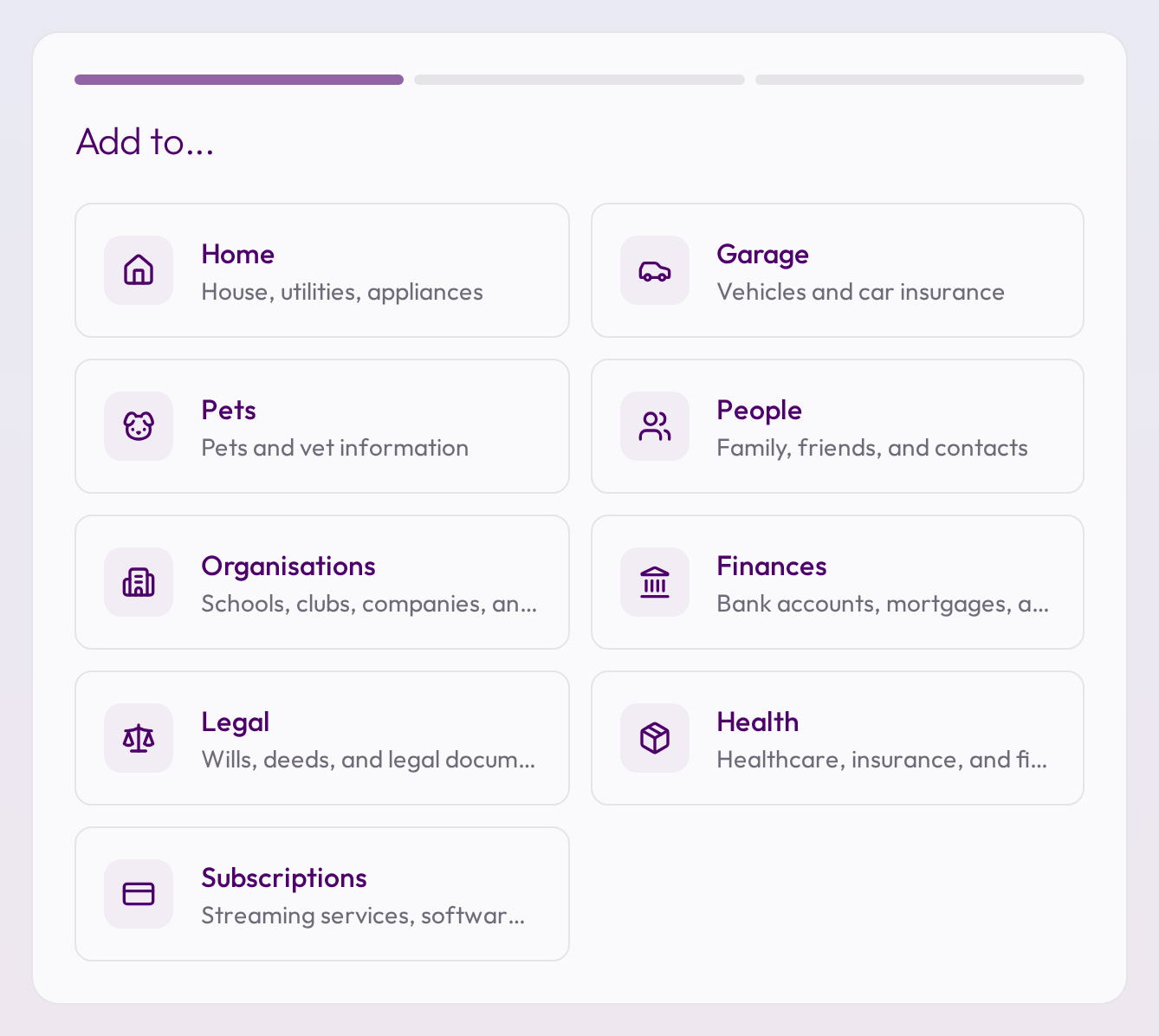
Add your first item
Start with anything important: your car, home insurance, or recurring appointments.
Stay ahead, stay calm
We'll remind you when things need attention, quietly and just in time.
Everything in its place
Oosby organizes your household items into clear, logical sections. No more hunting through scattered notes. Everything you need is exactly where you expect it.
Frequently Asked Questions
What is Oosby?
Oosby is a web and mobile app that puts a household's admin somewhere everyone who lives there can see it — suppliers and bills, MOTs and insurance renewals, pet vaccinations, and even when to descale the coffee machine. Anyone you invite can see it and add to it.
Is Oosby free to use?
Yes. Everything Oosby does today is free while we're in beta, and we'll tell you well before that changes.
How secure is my information?
Very.
- • Your data is stored securely, primarily in the UK.
- • All data is encrypted in transit (HTTPS) and at rest.
- • We use passkeys and secure sign-in via Apple or Google. No passwords to steal.
- • Your information is never shared with advertisers.
For full details, visit our Trust page.
How does Oosby make money if it doesn't sell data?
We don't sell or share your information. Ever.
Oosby will be a paid product. Nothing is sold, nobody is profiled, and there are no adverts at any price.
Why does Oosby ask for permissions or personal details?
We only ask for what's needed to help Oosby work properly (for example, your car registration so we can check its MOT date, or your postcode for location-specific reminders).
You stay in control at all times.
I've forgotten how to sign in. What should I do?
Oosby doesn't use passwords.
Just sign in again using the same Apple, Google, or passkey account you used originally.
If you're still having trouble, drop us an email. We can help.
Can I share Oosby with family or housemates?
Yes.
You can invite the people you live with to your household, and everyone sees the same renewals, dates and details. One person sets it up; nobody else has to start from scratch.
You choose what each person can see and do, and you can remove someone at any time.
How do reminders and notifications work?
When you add something with a date, Oosby works out when it's worth telling you and nudges you in time to act, rather than on the day it's already too late.
On iOS and Android you'll be asked once whether to allow notifications. If you said no and change your mind, turn them back on in your phone's Settings under Oosby. You can also manage what Oosby sends you from Settings inside the app.
How do I delete my account and data?
Yes, at any time, and you don't need our help to do it.
In the app
Go to Settings → Danger zone → Delete account. This works the same way on iOS, Android and the web app.
Without the app
Sign in at app.oosby.com/settings/danger-zone and delete your account from any browser. If you can't sign in, email support@oosby.com from the address on your account and we'll do it for you.
What gets deleted
- • Your account, and everything you've added to it, including uploaded documents.
- • Any household you own, and the other members' access to it. Tell them first.
- • Your membership of households owned by someone else. Those households carry on without you.
We permanently remove your information within 30 days, except where we're legally required to retain it. Deletion can't be undone.
Where can I read your policies?
You can read our:
They're written in plain English. No legalese, no jargon.
How do I suggest a feature or report a bug?
We love hearing from users.
Email us at support@oosby.com with your ideas, suggestions, or issues.
We can't promise to build everything, but we read every message and reply personally.
Thank you
Every suggestion, every bit of feedback, every kind word helps us make Oosby better.
We're a small team with a big belief: that technology should make life calmer, not noisier.
Thanks for being part of it.